The short answer
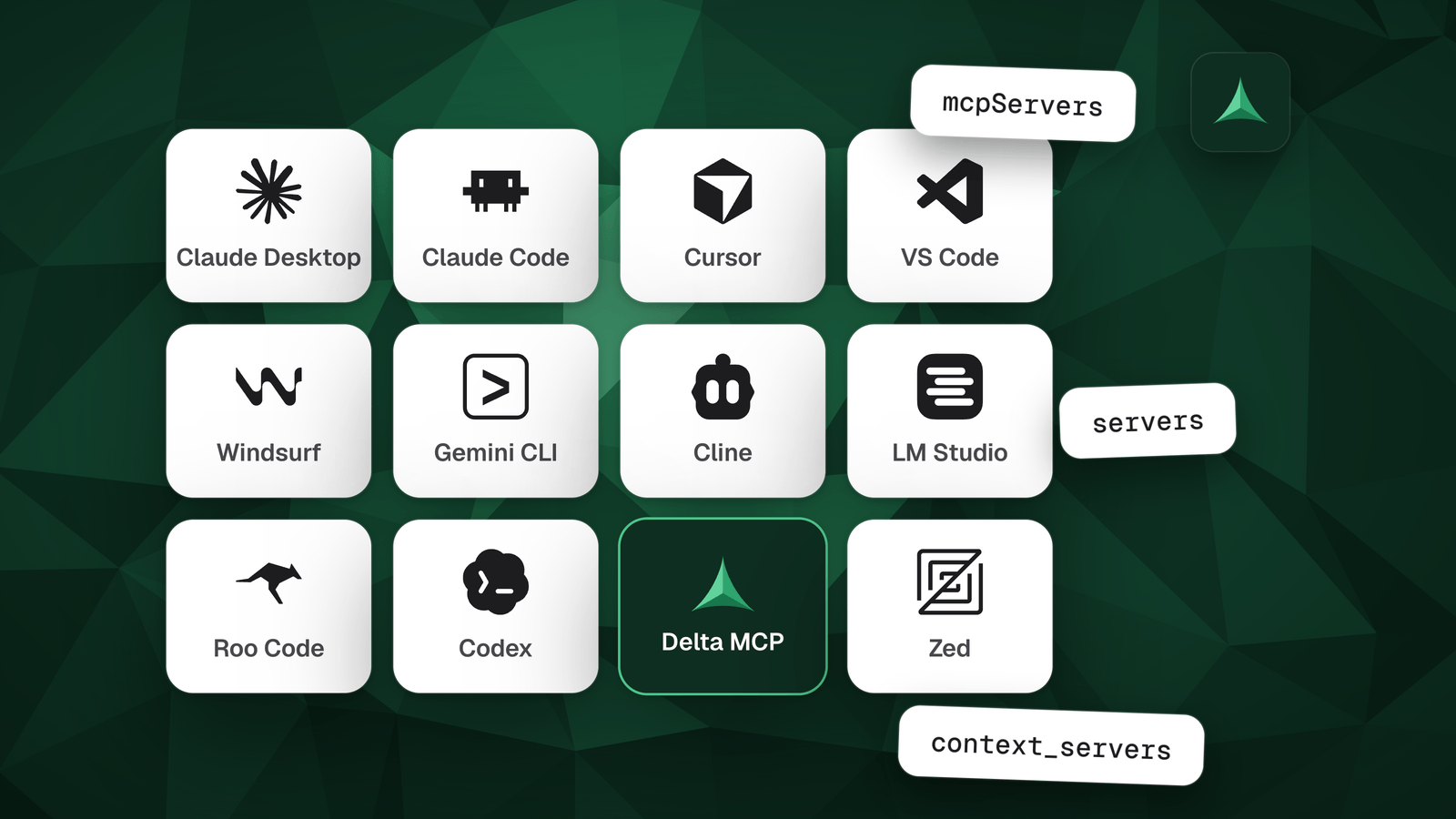
Most AI apps keep their MCP servers in one JSON file, under the key mcpServers. VS Code uses servers, Zed uses context_servers and Codex a TOML table. Find your app below, edit its file, then quit and reopen it. Tool limits are rare: VS Code allows 128 per request and Windsurf 100.
In this guide
Where is each app’s MCP config file?
Most apps have one file for all your projects and one for a single project. The table gives both, how to open them, and the key your servers go under.
| App | Config file | Key |
|---|---|---|
Claude Codeclaude mcp add, or /mcp in a session |
~/.claude.json. A project’s .mcp.json is meant to be shared with your team. | mcpServers |
| Claude DesktopSettings, Developer, Edit Config |
| mcpServers |
| Cursor |
| mcpServers |
VS CodeCommand: MCP: Open User Configuration |
| serversVS Code’s own format. A portable .mcp.json at the project root uses mcpServers. |
| WindsurfWindsurf’s documentation now lives under Devin Desktop |
| mcpServers |
| Gemini CLI |
| mcpServers |
Codexcodex mcp add <name> -- <command> |
| [mcp_servers.<name>]A TOML table per server. |
| LM StudioProgram tab, Install, Edit mcp.json |
| mcpServers |
| ClineMCP Servers icon, Configure tab, Configure MCP Servers |
CLINE_MCP_SETTINGS_PATH to move the file. Inside VS Code it lives in the user settings folder. | mcpServers |
| Roo CodeMCP settings, Edit Global MCP or Edit Project MCP |
| mcpServers |
| Amazon QChat panel, tools icon |
default.json. The older ~/.aws/amazonq/mcp.json and .amazonq/mcp.json are still read by default. | mcpServersIn the older mcp.json. |
ZedCommand: zed: open settings file |
| context_servers |
~ is your home folder: C:\Users\you on Windows.
How do you set up a remote MCP server in each app?
A remote (HTTP) server needs a URL, but every app names the fields differently. The same entry does not paste from one app to another.
| App | Fields | Good to know |
|---|---|---|
| Claude Code |
| |
| Claude Desktop | — | Not written in this file. Add it as a custom connector under Connectors in the app’s settings. |
| Cursor |
| |
| VS Code |
| |
| Windsurf |
| Either name works for the address. |
| Gemini CLI |
| httpUrl is streamable HTTP, url is SSE. |
| Codex |
| Written in the server’s TOML table. |
| LM Studio |
| |
| Cline |
| Use sse for the older transport. |
| Roo Code |
| Use sse for the older transport. |
| Amazon Q | — | Set in the MCP panel: choose http as the transport, then the URL and optional headers. |
| Zed |
|
What is the MCP tool limit in each app?
Tool limits are rare. Two apps state one. The others deal with long tool lists in their own way.
| App | Limit | What it does about long tool lists |
|---|---|---|
| VS Code | 128 tools per request | Beyond it, VS Code reports Cannot have more than 128 tools per request. Deselect tools or whole servers in the tools picker, or set github.copilot.chat.virtualTools.threshold so VS Code groups similar tools. |
| Windsurf | 100 tools at a time | Switch tools off one by one with disabledTools in the server’s entry. |
| Cursor | None stated | Often cited at 40 tools. Cursor’s documentation gives no limit, and its January 2026 post describes loading MCP tool descriptions on demand. |
| Claude Code | None stated | Tool Search is on by default: only tool names enter your context until a tool is used. |
| Codex | None stated | Each server takes enabled_tools and disabled_tools lists. |
| Amazon Q | None stated | Each tool is set to Ask, Always allow or Deny. |
Claude Desktop, Gemini CLI, LM Studio, Cline, Roo Code and Zed state no tool limit.
A limit is about how many tools fit. The cost of those tools in tokens is a different question, and the guide below answers it. Why MCP burns your tokens
Why does your MCP server not show up?
Work down this list. It follows the MCP project’s troubleshooting guide, written for Claude Desktop. The first four steps apply to any app.
- Quit the app completely, then reopen it
Claude Desktop’s guide says to quit it completely and start it again after you edit its file. Other apps may reload on their own: reopen yours if the server does not appear.
- Check the JSON and the key
A syntax error, such as a missing quote or a stray comma, can stop the app from reading the file. Then check the key:
mcpServersin most apps,serversin VS Code,context_serversin Zed. - Use absolute paths
The paths in
argsmust be absolute, not relative. - Run the command yourself
Paste the server’s command and arguments into a terminal. If it fails there, the app cannot start it either.
- Read the logs
Claude Desktop writes
mcp.logand onemcp-server-NAME.logper server, in~/Library/Logs/Claudeon macOS and%APPDATA%\Claude\logson Windows. - On Windows, check APPDATA
If a log shows
${APPDATA}inside a path, addAPPDATAto the server’senvwith its full value, such asC:\Users\you\AppData\Roaming\.
Do you have to edit these files by hand?
Not to see them all in one place. Delta MCP reads the MCP settings of twelve AI apps, the ones in the tables above, without changing anything, and lists every server it finds.
To use those servers through Delta MCP, it switches an app over by adding one entry, named mcpdelta. It turns off the direct entry of each server it moves and keeps the original, to put back as it was. Ten apps are switched over for you; Codex and Zed are set up by hand for now. Before each change it saves a dated copy of the file.
Questions
Where is claude_desktop_config.json?
On macOS it is ~/Library/Application Support/Claude/claude_desktop_config.json, and on Windows %APPDATA%\Claude\claude_desktop_config.json. The quickest way is Settings, Developer, Edit Config, which creates the file if it does not exist. Claude Desktop is offered on macOS and Windows.
Where is Cursor’s mcp.json?
~/.cursor/mcp.json holds the servers for all your projects, and .cursor/mcp.json inside a project holds that project’s. Both use the mcpServers key.
Where is VS Code’s mcp.json?
A project’s is .vscode/mcp.json. Your own is in your user profile folder: run MCP: Open User Configuration to open it. VS Code writes servers under servers, not mcpServers.
What is the MCP tool limit in VS Code?
A chat request can have at most 128 tools enabled at a time, and VS Code reports Cannot have more than 128 tools per request when you go over. Deselect tools or servers in the tools picker, or set github.copilot.chat.virtualTools.threshold so VS Code groups similar tools.
Does Cursor have an MCP tool limit?
Its documentation states none; the figure often quoted is 40 tools. In January 2026 Cursor described loading MCP tool descriptions on demand.
Why does my MCP config not work in another app?
The key and the remote-server fields differ. Most apps use mcpServers; VS Code uses servers, Zed context_servers and Codex a TOML table. A remote server is url in Cursor, serverUrl or url in Windsurf, httpUrl or url in Gemini CLI, and type plus url in Claude Code and VS Code.
Can Claude Desktop use remote MCP servers from its config file?
No. Remote servers are added as custom connectors in the app’s settings. Servers in claude_desktop_config.json are a separate mechanism, and they are not available in Cowork or claude.ai.
Where does Claude Code store MCP servers?
Your own servers, and each project’s, are in ~/.claude.json. A project’s .mcp.json at its root is meant to be shared with your team. Add a server with claude mcp add, or with /mcp in a session. Both files use the mcpServers key.
Where is Windsurf’s mcp_config.json?
Windsurf’s documentation now sits under Devin Desktop and gives ~/.config/devin/mcp_config.json on macOS and Linux, and %APPDATA%\devin\mcp_config.json on Windows. Earlier Windsurf versions use ~/.codeium/windsurf/mcp_config.json. Servers go under mcpServers, and Windsurf allows 100 tools at a time.
Sources
- Claude Code, Connect Claude Code to tools via MCP (documentation) The ~/.claude.json and .mcp.json files, the mcpServers key, the http type, Tool Search on by default.
- Model Context Protocol, Connect to local MCP servers Claude Desktop’s file paths, Edit Config, the restart, the troubleshooting steps and the log folders.
- Claude Help Center, Get started with custom connectors using remote MCP Remote servers are custom connectors, separate from claude_desktop_config.json.
- Cursor, Model Context Protocol (documentation) The global and project mcp.json files, mcpServers, url and headers; no tool limit stated.
- Cursor, Dynamic context discovery (6 Jan 2026) MCP tool descriptions loaded on demand.
- Cursor forum, About limitation of the number of MCP tools A user report of a 40-tool limit.
- VS Code, Add and manage MCP servers in VS Code (documentation) The workspace and user mcp.json files, the servers key, the portable .mcp.json, the http type.
- VS Code, Use tools with agents (documentation) The 128-tool limit and its error, the tools picker, virtual tools.
- Windsurf, Cascade MCP Configuration (documentation, now on Devin Desktop’s site) The config path, mcpServers, serverUrl or url, the 100-tool limit, disabledTools.
- Gemini CLI, MCP servers with Gemini CLI (documentation) The settings.json files, mcpServers, httpUrl and url.
- OpenAI Codex, Model Context Protocol (documentation) config.toml, the mcp_servers table, url, enabled_tools and disabled_tools, codex mcp add.
- LM Studio, Use MCP Servers (documentation) Edit mcp.json, mcpServers, url and headers.
- Cline, MCP (documentation) cline_mcp_settings.json and its folder, the Configure tab, streamableHttp.
- Roo Code, Using MCP in Roo Code (documentation) The global mcp_settings.json and the project .roo/mcp.json, streamable-http.
- AWS, MCP configuration for Q Developer in the IDE default.json and the older mcp.json, the http transport, tool permissions.
- Zed, Model Context Protocol (documentation) The settings.json paths, context_servers, url and headers.
- Delta MCP, Supported AI apps (documentation) The twelve apps Delta MCP recognizes, the files it reads, and how it switches each one over.
Keep reading
- How to reduce MCP token usage, and why MCP burns tokensHow to reduce MCP token usage: measure it with /context, see the two costs (tool menu and round trips), and compare every fix, Tool Search included.
- MCP vs CLI for AI agents: where the token bill comes fromMCP or CLI for your AI agent? What each costs in tokens, what the measurements show, when a CLI wins, when MCP does, and where code beats both.