The short answer
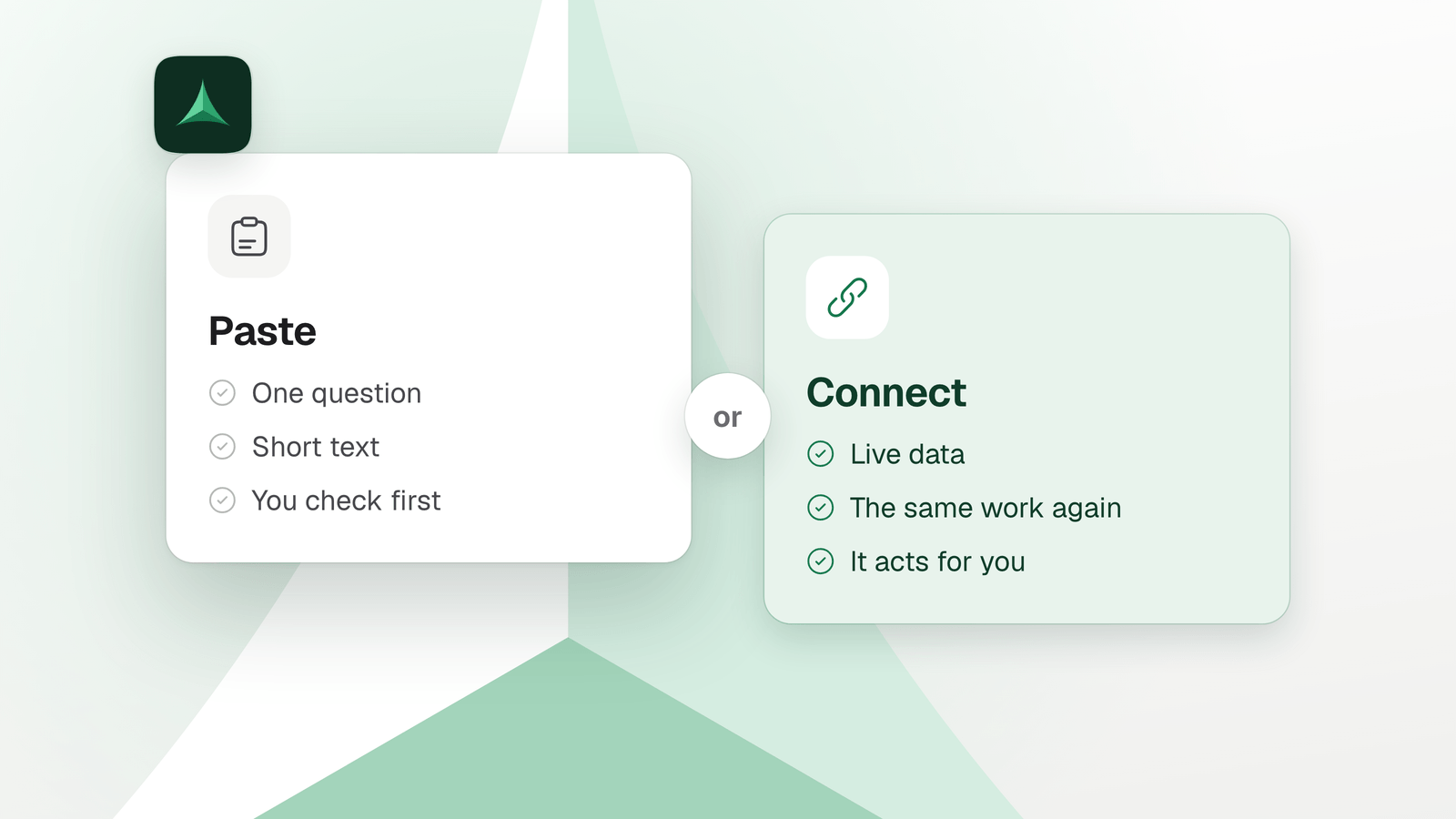
Use MCP when you keep copying data into the chat from another app, or copying your AI’s answer back out. Paste when the question is a one-off, the text is short, or you want to check first. MCP costs setup, tokens and access, so start read-only.
In this guide
Should you paste it or connect it?
MCP is a standard way to connect your AI to your other tools: Notion, GitHub, your files. Your AI can then read them and act in them. Pasting is the other way: you carry the text across yourself.
Claude Code’s documentation gives the test: connect a server when you keep copying data into chat from another tool. Your AI then reads and acts on that tool directly, instead of working from what you paste.
| Your situation | Use | Why |
|---|---|---|
| You have one question about one page or one document. | Paste | It takes seconds, and you know exactly what your AI sees. |
| You want a short text rewritten, summarised or checked. | Paste | Nothing to set up, and nothing outside the chat can change. |
| You want to read the answer before anything happens in another app. | Paste | Your AI can only answer. You make the change yourself, after reading it. |
| You paste the same kind of thing again and again: tickets, pages, issues, logs. | MCP | Your AI reads it live instead of working from an old copy. |
| You copy your AI’s answer into another app by hand. | MCP | Your AI can make the change in that app. At the start, let it ask first. |
| The answer depends on data that changes, such as open tickets or today’s deploys. | MCP | A paste is a snapshot of one moment. A connection reads the tool itself. |
| You do the same task, with several steps, every week. | MCP, with the task kept | Pasting repeats every copy each time. Delta MCP keeps a task that worked, so you or your AI can run it again. |
Not sure? Our rule of thumb: paste first, and connect the second time you paste the same kind of thing.
What does MCP cost you?
Connecting is not free. You pay in setup, in tokens and in access, and each one has a way to keep it small.
-
Setup
One command or one config entry per server, then a sign-in if the server asks for one. In Claude Code,
claude mcp addadds a server and/mcpsigns you in. In Cursor, you write a file entry or install from the marketplace.Keep it smallAdd only the servers you use. Turn the rest off with
/mcpin Claude Code, or in Customize in Cursor. -
Tokens
Every result a tool returns enters the conversation, and each step is another request that carries all of it. Claude Code warns when one result passes 10,000 tokens and caps it at 25,000 by default. Anthropic’s example: attaching the transcript of a 2-hour sales meeting from one tool to another can mean 50,000 more tokens. The transcript flows through the model twice.
Keep it smallAsk for what the task needs, not everything. Claude Code’s cost guide says a command-line tool such as
ghis lighter than an MCP server where one exists. -
Access
Once connected, your AI can access your data and take actions on your behalf. That is the point, and it is also the risk. Claude Code’s documentation says to verify you trust each server first. Servers that fetch outside content can expose you to prompt injection.
Keep it smallStart read-only, or make your AI ask before every change. The next section shows how.
Where the tokens go, and how to cut them: How to reduce MCP token usage
If a usage limit is what stopped you: Claude Code usage limit reached? What your MCP servers cost
Can you try MCP without risking your accounts?
Yes. Connect one tool, let your AI only read it, then open up changes one step at a time.
| Step | What your AI can do | Where to set it |
|---|---|---|
| 1. Read only | Read your tool and never change it. | GitHub’s MCP server: --read-only skips its write tools. Delta MCP: the Read only mode, for each connector. |
| 2. Ask before every change | Propose a change. You approve each one. | Cursor: Allowlist with an empty allowlist asks on every call. Claude Code: an ask rule such as mcp__github, which asks for reads too. Delta MCP: Ask before every change. |
| 3. Act alone where you trust it | Make the changes you let it make, without asking. | Cursor’s Run Modes. Claude Code: allow rules. Delta MCP: Ask before deleting or sending (it spots deleting and sending from an action’s name), or Change on its own. |
Put the limit in a setting, not in your prompt. Claude Code’s documentation says its permission rules are enforced by Claude Code, not by the model. Your prompt shapes what the AI tries; the rules decide what it can do.
Give an AI access to your tools safely, step by step
How do you use MCP in Cursor?
Add the server, check it is on, ask for the task and approve the calls Cursor asks about. Cursor picks MCP tools when they fit, and you can name one when it doesn’t.
- Add a server
Install one from Cursor’s marketplace with one click. Or write it in
.cursor/mcp.jsonfor one project, or in~/.cursor/mcp.jsonfor all of them. - Check it is on
Open Customize in the sidebar. A disabled server does not load and does not appear in chat.
- Ask for the task
Cursor uses the tools listed under Available Tools when they are relevant. You can also ask for a tool by name, or describe what you need.
- Approve the call
Cursor’s MCP page says it asks for approval before using an MCP tool by default. Click the arrow next to the tool name to see its arguments. In Auto-review, the recommended default run mode, a classifier reviews calls that are not on your allowlist.
If naming the server in every message feels slower than pasting, paste. For a task you repeat, connect it once and keep the task, as the next section shows.
What if you repeat the same task every week?
Keep the task, and run it again in one go. That is what Delta MCP does for the tools you already connect.
Delta MCP is a free app that runs on your computer, between your AI apps and your tools: Notion, GitHub, Linear, Vercel, your files. Your AI does each task as one short program. Delta MCP checks it before the first call and makes the changes together. It reads back the changes it can check, and keeps the task in Activity.
- Keep a task that worked. It becomes a shortcut, with the few things that change each time as inputs. Next time your AI does it in one go, or you run it yourself from the app, without your AI. When your AI does the same task twice in 30 days, Delta MCP suggests keeping it.
- Choose how much it does alone. Each connector has a mode: Change on its own, Ask before deleting or sending, Ask before every change, or Read only. Reading is never asked. Start with Read only, then open up.
- See it, and undo it. Activity shows each change before and after. Undo puts back what it can. Before you click, Delta MCP tells you what cannot be undone, such as a message already sent.
- Use it from Cursor. When you switch Cursor over, Delta MCP adds one entry named
mcpdeltato~/.cursor/mcp.json. It turns off the direct entry of each server it moves, and keeps the original to put it back. It also writes a short skill file for the AI apps you pick. The skill tells your AI to do tasks in your tools through Delta MCP.
On tasks with several steps, we measured 3.3–24.1× fewer tokens than calling the same servers directly, in Claude Code. All measurements and the method
Questions
When should I use MCP?
When you keep copying data into the chat from another tool, or copying your AI’s answer back into it. Claude Code’s documentation names that case. Connect the one app you copy from most, let your AI read at first, then open up changes.
Do I need MCP?
No. Your AI works without it. If your questions are one-offs about text you can paste, pasting is quicker, and you see what your AI sees. MCP pays off when the same data or task comes back.
Is copy-paste faster than MCP?
For one question, yes: there is nothing to set up. If you paste the same kind of thing every day, or copy answers into another app, MCP removes those copies. Setup is one command or one config entry, plus a sign-in if the server asks for one.
Does MCP use more tokens than pasting?
It can. A paste adds only the text you choose. MCP adds each tool result, and every step is another request that carries the whole conversation. By default, Claude Code loads only tool names and server instructions at the start, so extra servers weigh little. It also warns when one result passes 10,000 tokens.
Why doesn’t Cursor use my MCP server?
Check three things. The server must be on in Customize: a disabled server does not load or appear in chat. Cursor uses the tools under Available Tools when they are relevant. And you can ask for a tool by name, or describe what you need.
Is it safe to connect an MCP server to my accounts?
As safe as the server and the access you give it. Claude Code’s documentation says to verify you trust each server. Servers that fetch outside content can expose you to prompt injection. Start read-only, and make your AI ask before changes.
Sources
- Model Context Protocol, What is the Model Context Protocol (MCP)? What MCP is, and that it lets AI applications access user data and take actions on the user’s behalf.
- Claude Code, Connect Claude Code to tools via MCP When to connect a server; adding one and signing in; tool names and server instructions loaded first; the 10,000-token warning and 25,000-token cap; trusting each server.
- Claude Code, Manage costs effectively Every request carries the whole conversation; a command-line tool is lighter than an MCP server where one exists; turning unused servers off.
- Claude Code, Configure permissions MCP permission rules, ask and deny rules, and that Claude Code enforces them, not the model.
- Cursor, Model Context Protocol (MCP) The config files, the Customize page, approval before a tool runs, and how Cursor picks tools.
- Cursor, Run Modes Auto-review is the recommended default. It sends calls that are not allowlisted to a classifier. An empty Allowlist asks every time.
- GitHub, GitHub MCP Server The --read-only flag skips write tools.
- Anthropic, Code execution with MCP: Building more efficient agents (4 Nov 2025) Results pass through the model between steps: the 2-hour meeting transcript example and its 50,000 tokens.
- Delta MCP, Writing a task (documentation) A task as one program: checked before the first call, made together, read back.
- Delta MCP, Modes (documentation) The four modes, and that reading is never asked.
- Delta MCP, Activity and Undo (documentation) Before and after, Undo, and the warning about what cannot be undone.
- Delta MCP, Shortcuts (documentation) Keeping a task, running it again with or without your AI, and the suggestion after two runs.
- Delta MCP, Supported AI apps (documentation) Cursor and its mcp.json entry.
- Delta MCP, The Delta MCP skill (documentation) The skill file written for your AI apps.
- Delta MCP, Benchmarks Tokens on tasks with several steps, with the method.
Keep reading
- MCP vs CLI for AI agents: where the token bill comes fromMCP or CLI for your AI agent? What each costs in tokens, what the measurements show, when a CLI wins, when MCP does, and where code beats both.
- How to reduce MCP token usage, and why MCP burns tokensHow to reduce MCP token usage: measure it with /context, see the two costs (tool menu and round trips), and compare every fix, Tool Search included.